
RAISH KHAN has created the project "Bright Future Computer Class" in Class2Class.org
Request to join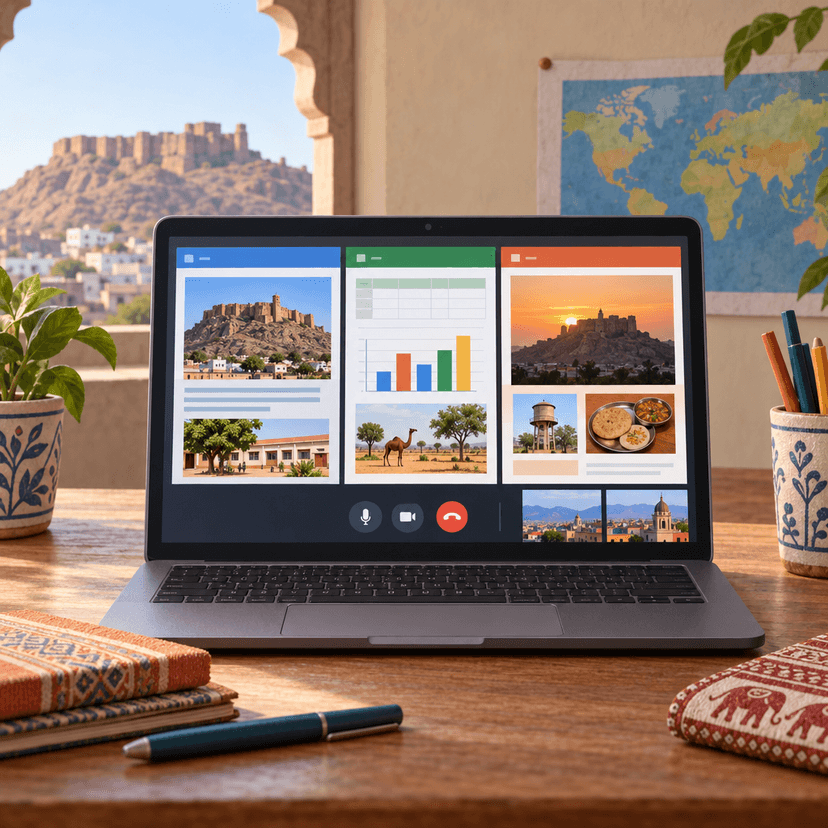
Bright Future Computer Class
What is this project about?
- Age of Students
- 6-18+ years
- Project Duration
- 2 weeks
- Starting Month
- November 2026
Learning Outcomes
Skills to develop


Project Activities
Kick-off: Meet the Partner Class and Our Town Jalore
Students meet the partner class on a short video call and introduce themselves. They then share what they know about Jalore and what they want to show about their school and daily life.
Plan and Collect Information About School and Daily Life
In teams, students gather facts and photos about their school and daily routines. They record the data in an Excel sheet and draft the key points in a Word document.
Build the Shared Slideshow in PowerPoint
Teams turn their Word notes and Excel data into a short PowerPoint slideshow about their school and town. They add images, simple charts, and captions, and take turns editing the shared file.
Rehearse and Prepare the Comparison Questions
Teams practise presenting their slides in pairs and write questions to ask the partner class. They compare their school routines with what they expect to hear from the partner class.
Live Video Call: Share and Compare Our Slideshows
Each team presents its slideshow to the partner class on a live video call. Students ask questions, notice similarities and differences, and discuss what they learned about each other.